Survey Builder
Setting Up a Net Promoter Score Question
Add the standardized 0–10 NPS question to track loyalty, and route detractors to a follow-up with skip logic.
Overview
Add the standardized 0–10 NPS question to track loyalty, and route detractors to a follow-up with skip logic. NPS is a dedicated question type, not a generic scale, so results get the promoter/passive/detractor breakdown automatically.
Step-by-step
Add the question — click + Question and choose NPS.
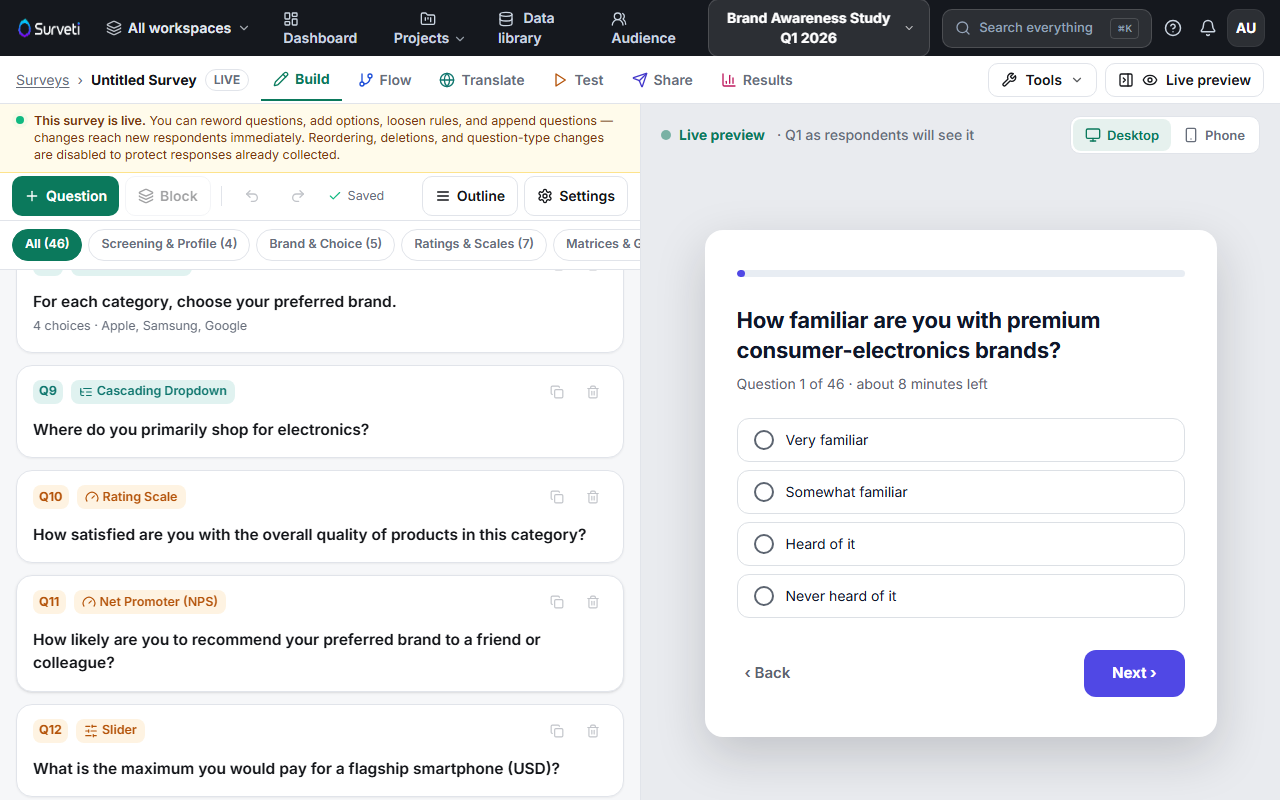
Keep the standard wording — "How likely are you to recommend [X] to a friend or colleague?" The 0–10 scale with "Not at all likely" / "Extremely likely" anchors is what makes your score comparable to benchmarks.
Add the follow-up — add an Open Text question after it ("What's the main reason for your score?"), and use skip or display logic so detractors (0–6) always see it. That verbatim is where the actionable insight lives.
Read the results — the Results tab shows the NPS breakdown chart with the score computed as % promoters (9–10) minus % detractors (0–6).
Tips
Tip: Ask NPS early in the survey, before specific feature questions prime the respondent — a primed NPS reads artificially specific.
Note: One NPS question per survey. Repeating it for sub-products muddies the metric; use regular Scale questions for those.
Related articles
- Setting Up Skip Logic to Route Respondents — the detractor follow-up pattern
- Viewing Survey Results After Responses Come In — where the NPS chart lives