Results & Analysis
Excluding Fraud-Flagged Responses from Analysis and Exports
Keep flagged respondents out of your numbers — in exports with one checkbox, and in analysis with a filter.
Overview
Keep flagged respondents out of your numbers — in exports with one checkbox, and in analysis with a filter. Cleaning before you analyze beats explaining afterwards.
Step-by-step
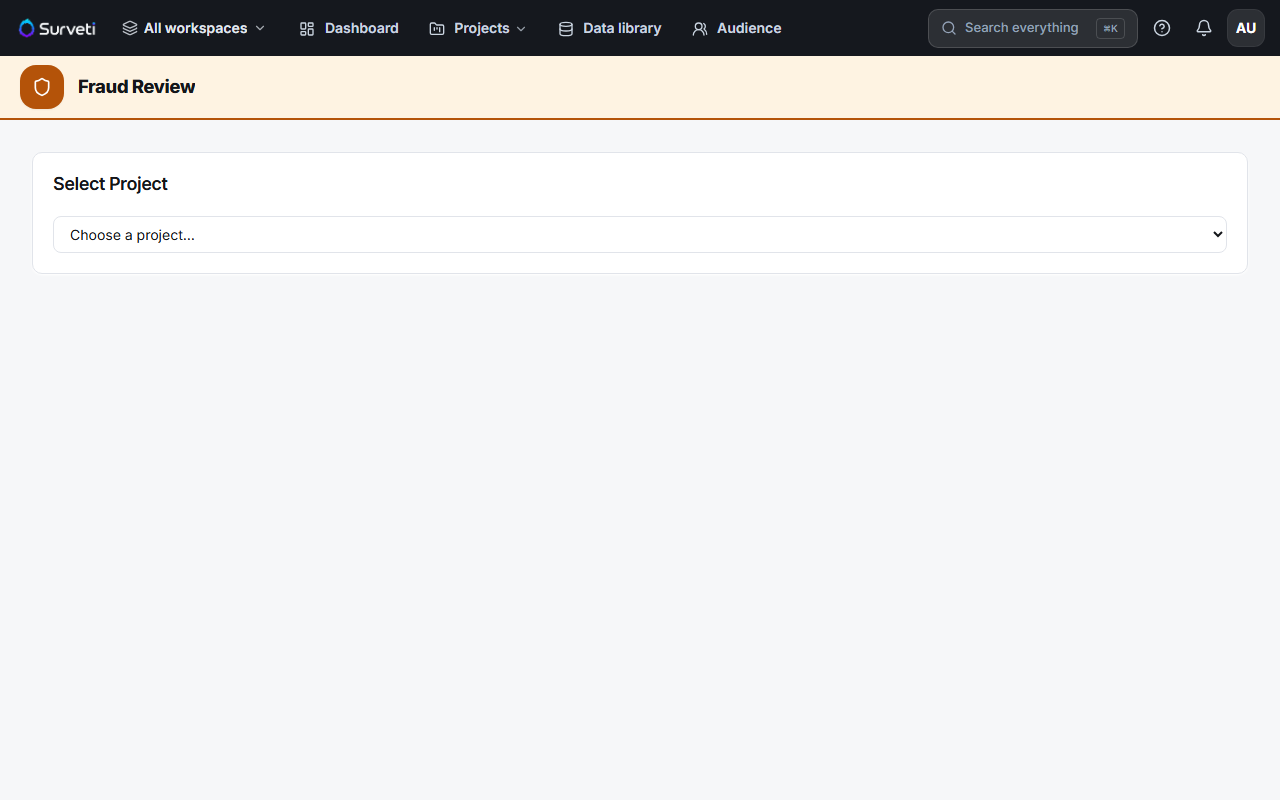
Review what's flagged first — open Fraud, pick your project, and read the signal ledger so you know why respondents were flagged before you drop them.
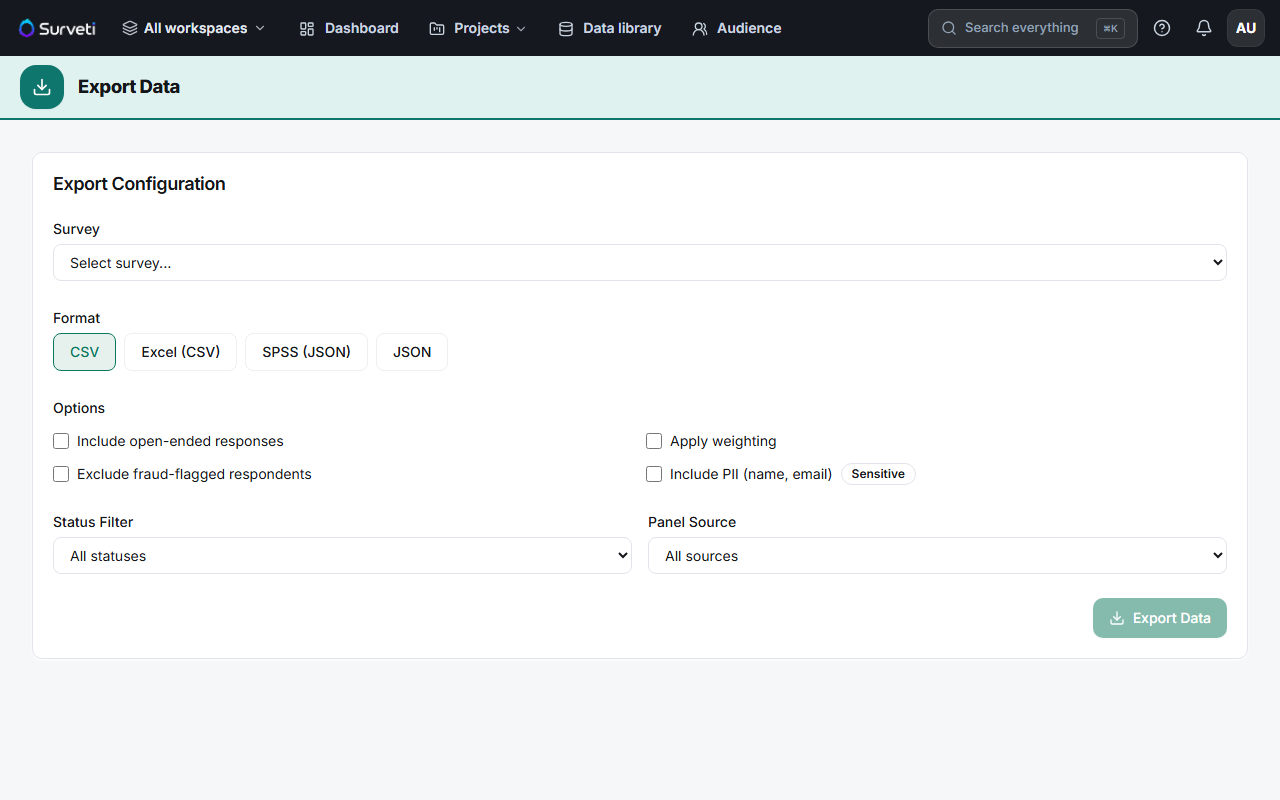
Exclude on export — on the Export Data page, tick Exclude fraud-flagged respondents before exporting.
Exclude in analysis — in the Crosstabs workspace, use Filters to restrict the table to clean respondents.
Use the same rule everywhere — apply the same exclusion to every table and export in a study so the numbers reconcile.
Tips
Tip: Decide your exclusion rule before you look at the results. Dropping flagged respondents after you've seen which way it moves your headline is how analysis turns into wishful thinking.
Note: A flag is a signal, not proof. Review the ledger — an honest fast respondent on a short survey can trip the speeding signal. Blanket-excluding every flag can bias your data as much as leaving fraud in.
Related articles
- Understanding the Fraud Signals That Cause a Respondent to Be Flagged — what the flags mean
- Filtering Crosstab Results to Clean Respondents Only — filtering in analysis
- Controlling PII, Open Ends, and Weights Included in an Export — other export options