Distribution & Fieldwork
Understanding the Survey Status Machine and Valid State Transitions
Updated
Learn the four survey statuses and which transitions between them are allowed, so you can manage fieldwork confidently.
All Distribution & Fieldwork articles
Overview
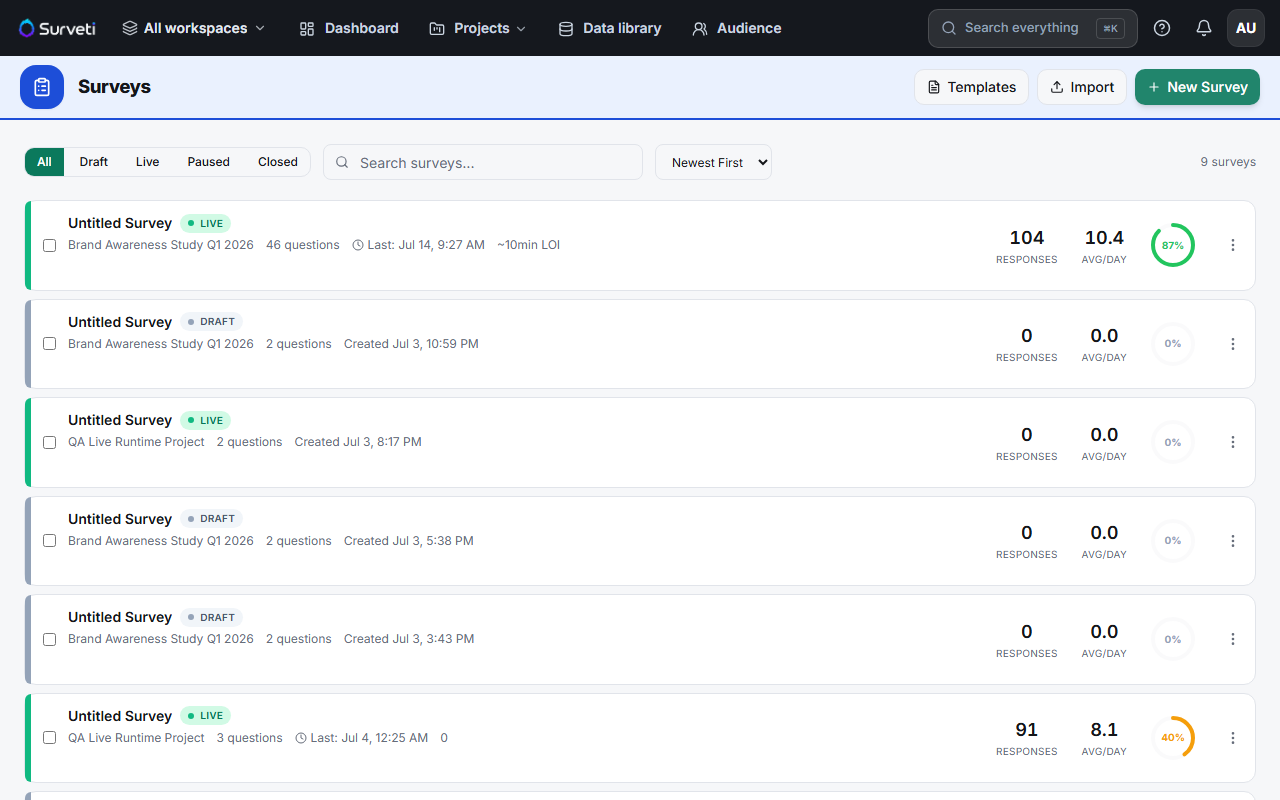
Learn the four survey statuses — Draft, Live, Paused, Closed — and which transitions between them are allowed, so you always know what a given action will do.
The statuses
| Status | Accepting responses? | Editing |
|---|---|---|
| Draft | No | Full — reorder, delete, change types |
| Live | Yes | Safe changes only (reword, add options, append) |
| Paused | No (temporarily) | Safe changes only |
| Closed | No (permanently) | Locked; data remains available |
Valid transitions
- Draft → Live — launch, manually or on schedule.
- Live → Paused — temporarily stop new responses; resume later.
- Live → Closed — end fieldwork for good.
- Paused → Live — resume collection.
- Paused → Closed — end fieldwork from a paused state.
Tips
Tip: Use Paused whenever there's any chance you'll collect more later — it's fully reversible. Reserve Closed for "we're done", because it's meant to be final.
Note: Going Live is the moment editing locks down to safe changes only. Get question order, deletions, and types right in Draft — those can't be changed once responses start arriving.
Related articles
- Manually Launching a Survey from Draft to Live Status — the Draft → Live step
- Scheduling Your Survey to Open and Close at Specific Dates and Times — automated transitions