Distribution & Fieldwork
Understanding the Fraud Signals That Cause a Respondent to Be Flagged
Learn how Surveti detects low-quality and fraudulent responses, and how to review flagged respondents in the fraud dashboard.
Overview
Learn how Surveti detects low-quality and fraudulent responses, and how to review flagged respondents in the fraud dashboard — so your data reflects real people, not bots or speeders.
Step-by-step
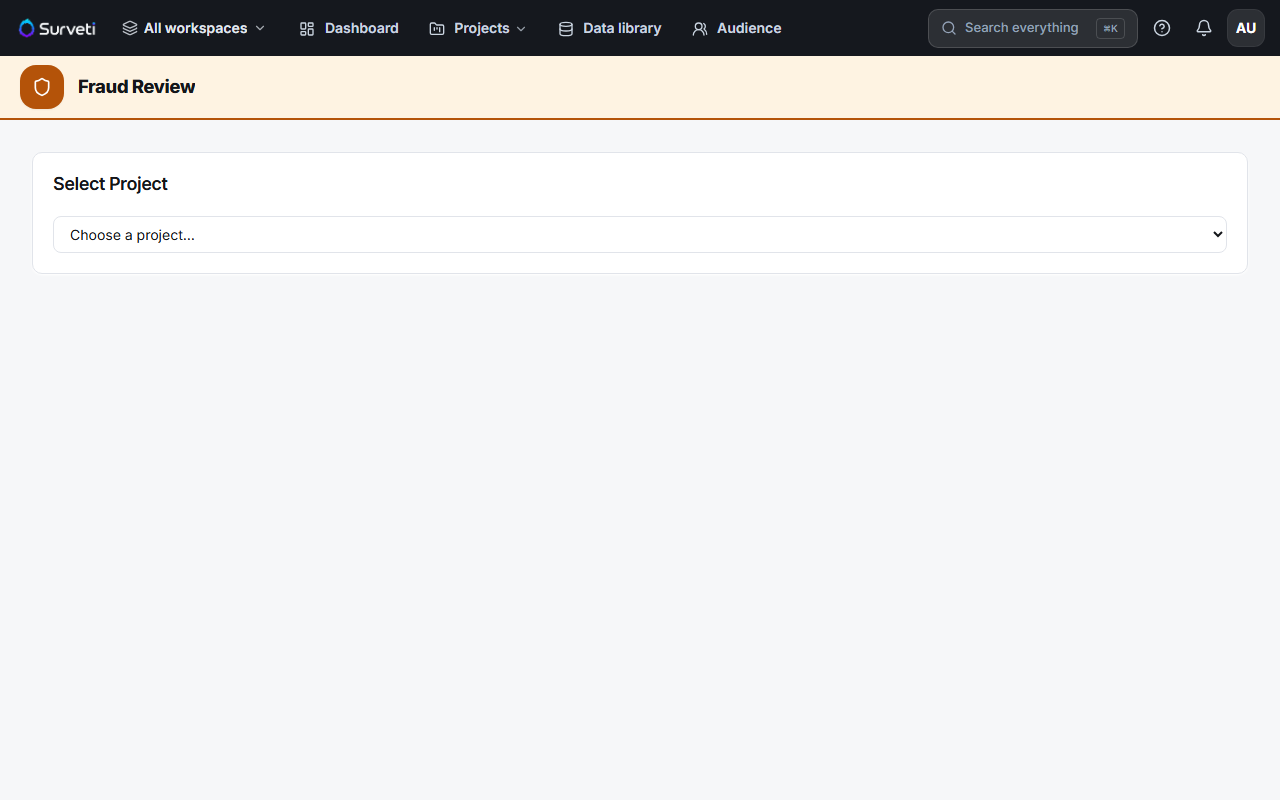
Open the Fraud dashboard — go to Fraud and choose a project. You'll see the fraud rate and a breakdown of clean, flagged, and rejected respondents.
Review flagged respondents — click a flagged respondent to see the signal ledger: the specific quality signals that triggered the flag.
Decide what to do — accept borderline cases, or reject clear fraud so it's excluded from your results.
What gets a respondent flagged
Common quality signals include completing far faster than humanly possible (speeding), failing an attention check, straight-lining every grid, automation/bot signatures, and duplicate-session patterns. Each flagged respondent's ledger shows exactly which signals fired.
Tips
Tip: Add an attention check question to high-stakes surveys — it's one of the most reliable single signals, and it gives you a clean, defensible reason to reject inattentive responses.
Note: A flag is a signal, not a verdict. Review the ledger before rejecting — a fast, honest respondent on a short survey can trip the speeding signal without being fraudulent.
Related articles
- Enabling CAPTCHA to Block Automated Bot Submissions at Survey Entry — stop bots at the door
- Setting an Attention Check Expected Answer — the most useful single signal