Distribution & Fieldwork
Setting Up Automated Follow-Up Reminder Emails for Non-Respondents
Automatically remind contacts who haven't responded yet, without re-emailing people who already completed the survey.
Overview
Automatically remind contacts who haven't responded yet, without re-emailing people who already completed the survey. Reminders are the single biggest lever on response rate.
Step-by-step
Open the campaign's Reminders step — in Share → Campaigns, in the composer's Sequence, find Reminders.
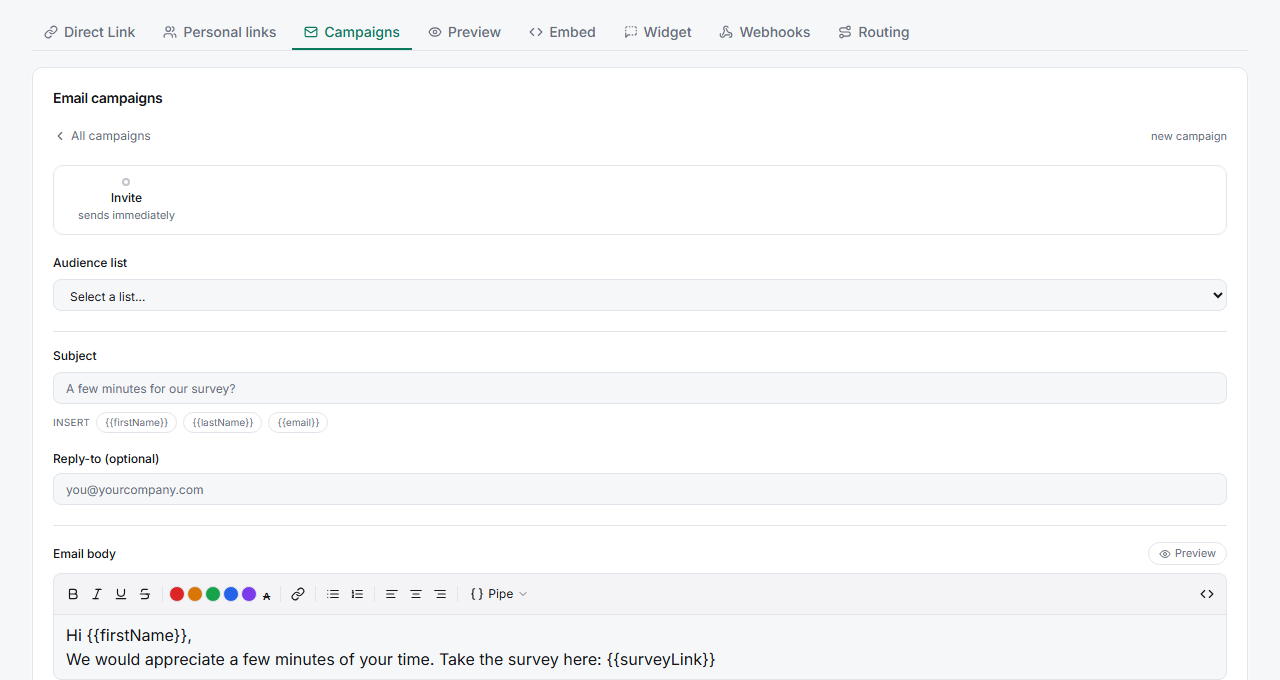
Set the timing — After (days) controls how long to wait before the first reminder, and Max reminders caps how many go out.
Write the reminder copy (optional) — fill in Reminder subject and Reminder body, or leave them blank to reuse the invitation email.
Confirm — reminders send automatically to non-responders only; anyone who's completed is excluded.
Key options
| Field | What it does |
|---|---|
| After (days) | Days to wait before sending a reminder |
| Max reminders | Maximum number of reminders per recipient |
| Reminder subject / body | Custom reminder copy (blank = reuse the invite) |
Tips
Tip: One reminder after 3 days recovers most of the responses you'll ever get. A second after another 4–5 days catches stragglers; beyond two, you're mostly annoying people.
Note: Reminders draw on the same monthly email quota as invitations. A 2-reminder sequence to 1,000 contacts can send up to 3,000 emails — check your quota before launch.
Related articles
- How to Create and Send Your First Email Campaign — the invitation
- Understanding Which Contacts Are Suppressed and Why — who won't be emailed