Distribution & Fieldwork
How Preview Mode Works Without Recording Real Respondent Data
Understand what preview mode does — full survey experience, logic and all, with nothing written to your results.
Overview
Understand what preview mode does — it runs the full survey experience, logic and all, but writes nothing to your results. It's how you and your stakeholders test safely.
What preview mode does
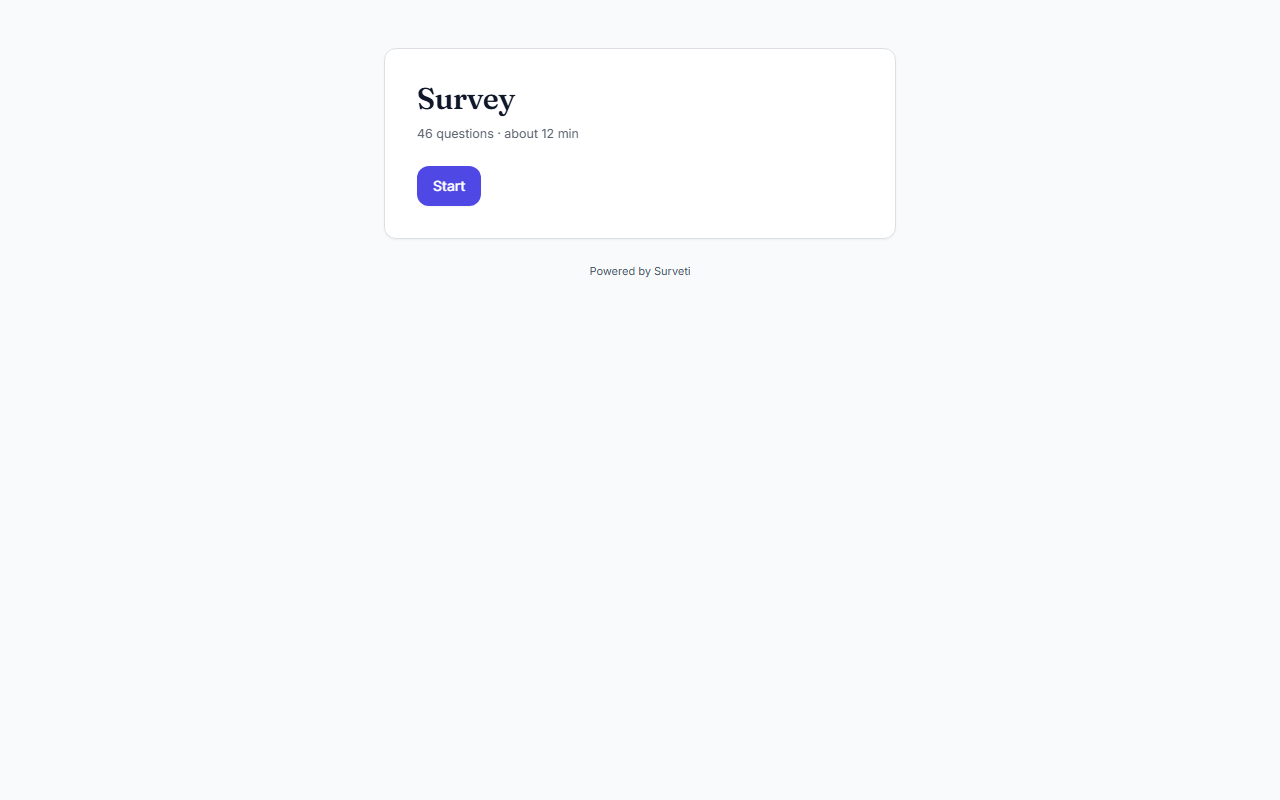
- Runs the real survey — every question, skip rule, display condition, and screen renders exactly as a respondent sees it.
- Records nothing — submissions in preview are discarded, so your response counts, charts, and exports stay clean.
- Doesn't consume quota — preview responses don't count against your plan's monthly completes.
What it's for
Preview is for verification: click through to confirm logic routes correctly, wording is clear, and the survey looks right on desktop and phone — before a single real respondent arrives.
Tips
Tip: Use the builder's Test tab for your own quick checks and a client preview link for stakeholders — same safe, unrecorded behavior, but the link needs no login.
Note: Because preview records nothing, don't rely on it to verify that data lands correctly (exports, integrations, webhooks). For that, take one real response on the Live survey and check it end to end.
Related articles
- Sharing a Read-Only Preview Link with Stakeholders Before Launch — send preview to others
- How Respondents Resume an Incomplete Survey Using Their Resume Token — real-session behavior