Advanced Research
Choosing the Right Number of Tasks and Cards Per Task
Balance statistical precision against respondent fatigue when sizing your conjoint design.
Overview
Balance statistical precision against respondent fatigue when sizing your conjoint design. Number of tasks is how many choice sets each respondent completes; Cards per task is how many profiles they compare each time.
Step-by-step
Open the conjoint editor and find the design settings.
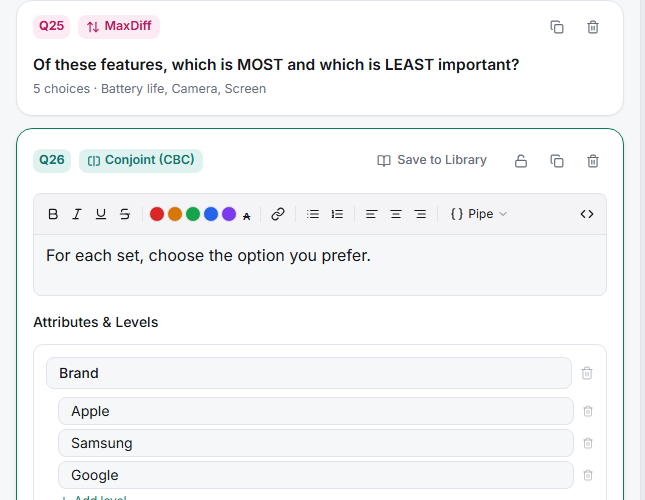
Set Number of tasks — 8–12 is typical. More tasks mean more choice observations per respondent and a better fit; too many and quality decays as people tire.
Set Cards per task — 3–4 profiles per screen is standard. Two is easy but yields little information; five or more is hard to compare fairly.
Watch Design quality — the editor evaluates whether your design supports clean estimation.
Consider Holdout tasks — extra tasks excluded from estimation, used to check whether the fitted model predicts real choices.
Key options
| Setting | Typical | Trade-off |
|---|---|---|
| Number of tasks | 8–12 | More = better precision, more fatigue |
| Cards per task | 3–4 | More = richer sets, harder comparison |
| Holdout tasks | 1–2 | Validation, at the cost of a longer survey |
Tips
Tip: Total choice observations — respondents × tasks — is what drives precision. In the demo study, 104 respondents × 6 tasks gave 624 choice tasks, enough for a stable aggregate fit. Recruiting more people is usually kinder than asking each one to do more.
Note: Holdouts are the honest way to know whether your model works. A model that fits the estimation data but mispredicts holdout choices is overfitted.
Related articles
- How Many Attributes Should Your Conjoint Study Include — the other half of design size
- Running MNL Utility Estimation on Conjoint Response Data — what the tasks feed