Account & Billing
Viewing and Downloading Past Invoices in Surveti
Get your billing history and downloadable invoices from the Stripe billing portal.
Overview
Get your billing history and downloadable invoices from the Stripe billing portal — for expenses, accounting, or your own records.
Prerequisites
- Owner (billing access) and at least one past charge.
Step-by-step
Open Settings → Billing.
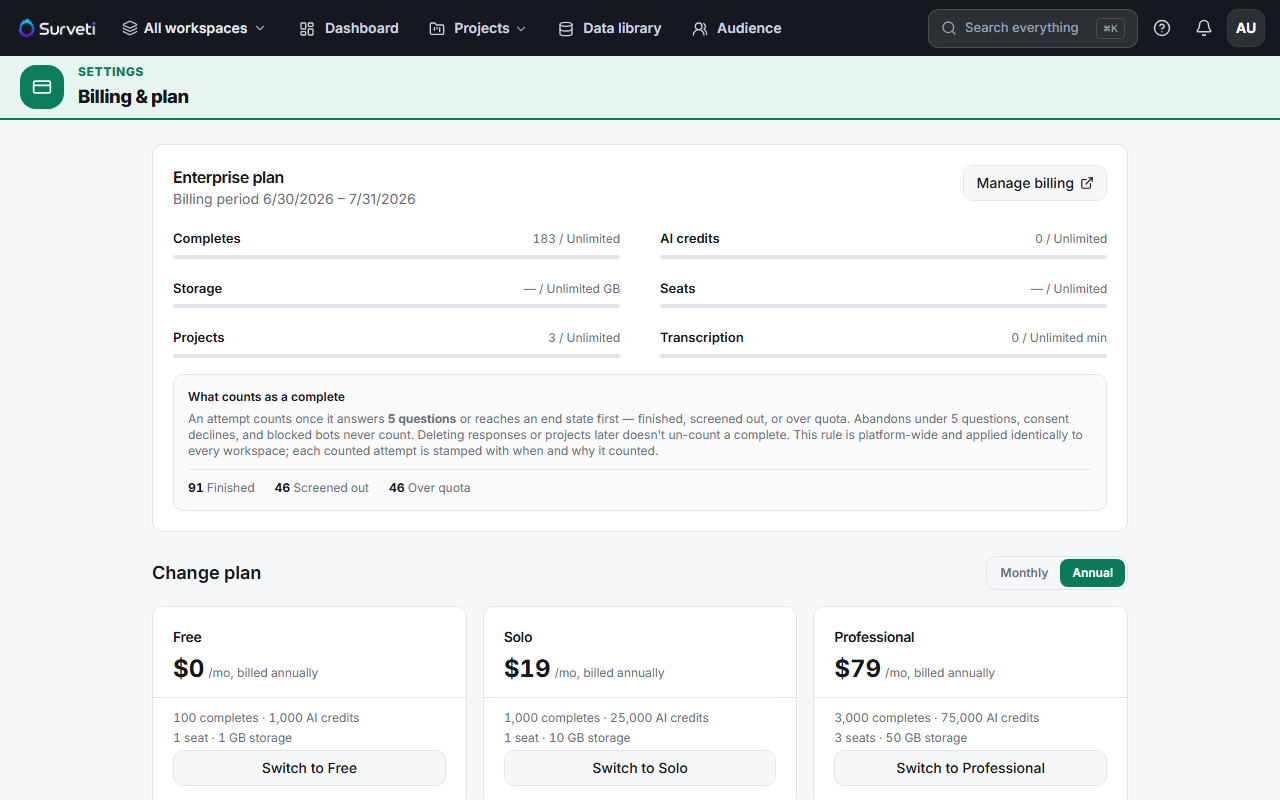
Click Manage billing — this opens the Stripe billing portal.
Open your billing history — every invoice is listed with its date and amount.
Download the invoice — Stripe provides a PDF suitable for expense claims and bookkeeping.
Tips
Tip: Invoices come from Stripe, so they carry proper tax details and a stable invoice number — hand them straight to finance rather than screenshotting the billing page.
Note: Invoices reflect charges (plan, add-ons, overage packs). Your usage meters on the Surveti billing page follow the UTC calendar month, so a period on an invoice won't always line up exactly with a usage month.
Related articles
- Updating Your Payment Method via the Stripe Billing Portal — same portal
- Viewing Your Current Usage on the Billing Dashboard — usage vs charges
- How Completes Overage Billing Works at $0.10 Per Response — what overage adds