Account & Billing
Adding Extra Builder Seats as a Monthly Add-On
Need one more builder than your plan includes? Buy extra seats at $15/month each instead of upgrading a whole tier.
Overview
Need one more builder than your plan includes? Buy extra seats at $15/month each instead of jumping a whole tier.
Prerequisites
- An active paid subscription — recurring add-ons can't be bought without one.
Step-by-step
Open Settings → Billing and find Add-ons.
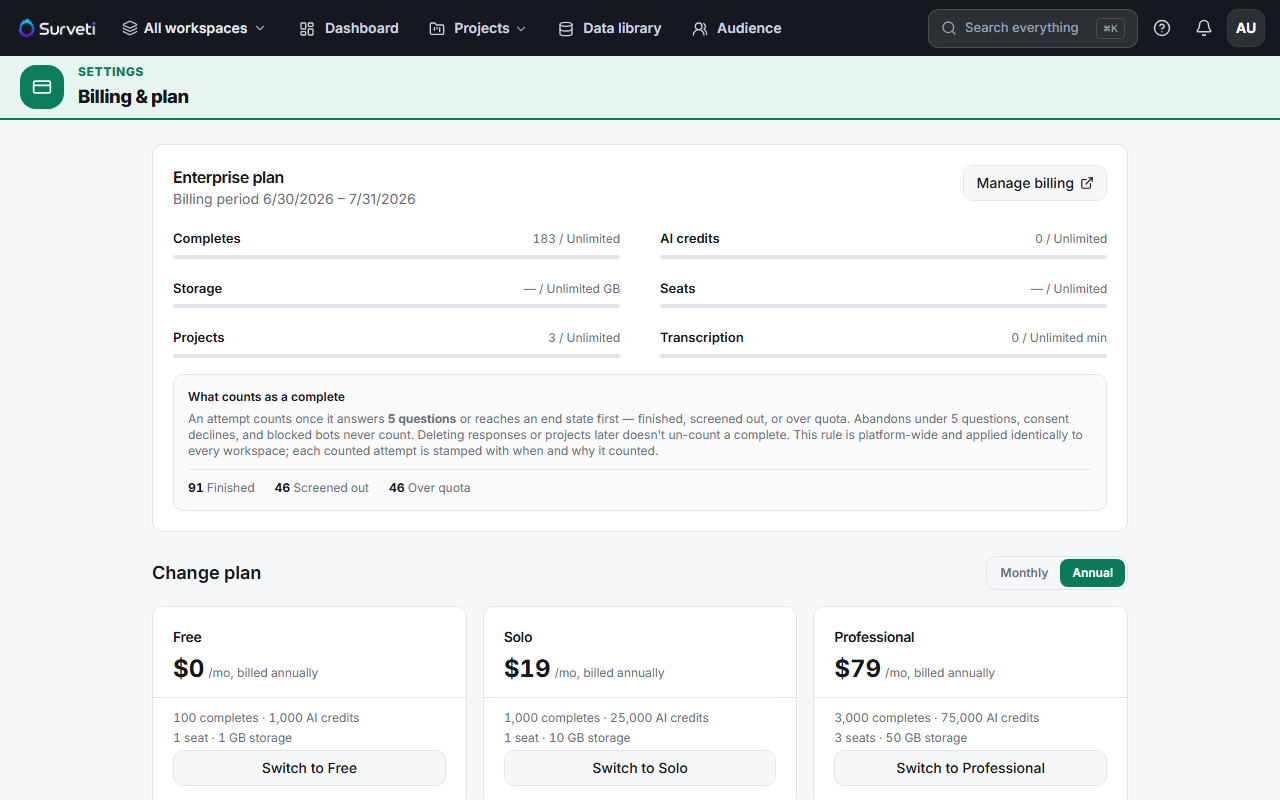
Add extra seats — choose the quantity you need. The add-on is applied directly to your subscription.
Invite the new member — your seat limit becomes plan seats + purchased extra seats.
How you're charged
Extra seats are a recurring add-on applied to your live subscription with prorated billing — you pay for the remainder of the current period immediately, then the full amount each cycle. Setting a new quantity updates the seat item to that total (it's not additive per click).
Tips
Tip: Do the math before buying. Professional includes 3 seats at $99; four seats costs $99 + $15 = $114/month, while Team gives you 5 seats (and 5 viewers, 7,500 completes) for $199. Two or three extra seats usually means the next tier is better value.
Note: If your subscription is ever canceled or goes unpaid, purchased add-ons are dropped — extra seats, storage packs, and custom domain all reset when the tier falls back to Free.
Related articles
- How Builder Seats and Viewer Seats Differ in Surveti — check you need a builder seat
- Full Builder Seat Counts Included in Each Plan Tier — what you already have
- Inviting a New Team Member to Your Workspace — use the seat