Question Types
Adding Conditional Follow-Up Prompts by NPS Respondent Segment
Ask detractors, passives, and promoters different follow-up questions using display logic on their NPS score.
Overview
Ask detractors, passives, and promoters different follow-up questions using display logic on their NPS score. A promoter and a detractor need different questions — and the score tells you which is which.
Prerequisites
- An NPS question earlier in the survey — see Setting Up a Net Promoter Score Question.
Step-by-step
Add a follow-up open-text question — e.g. "What's the main reason for your score?"
Open its Logic tab — select the follow-up, click Settings, and switch to Logic.
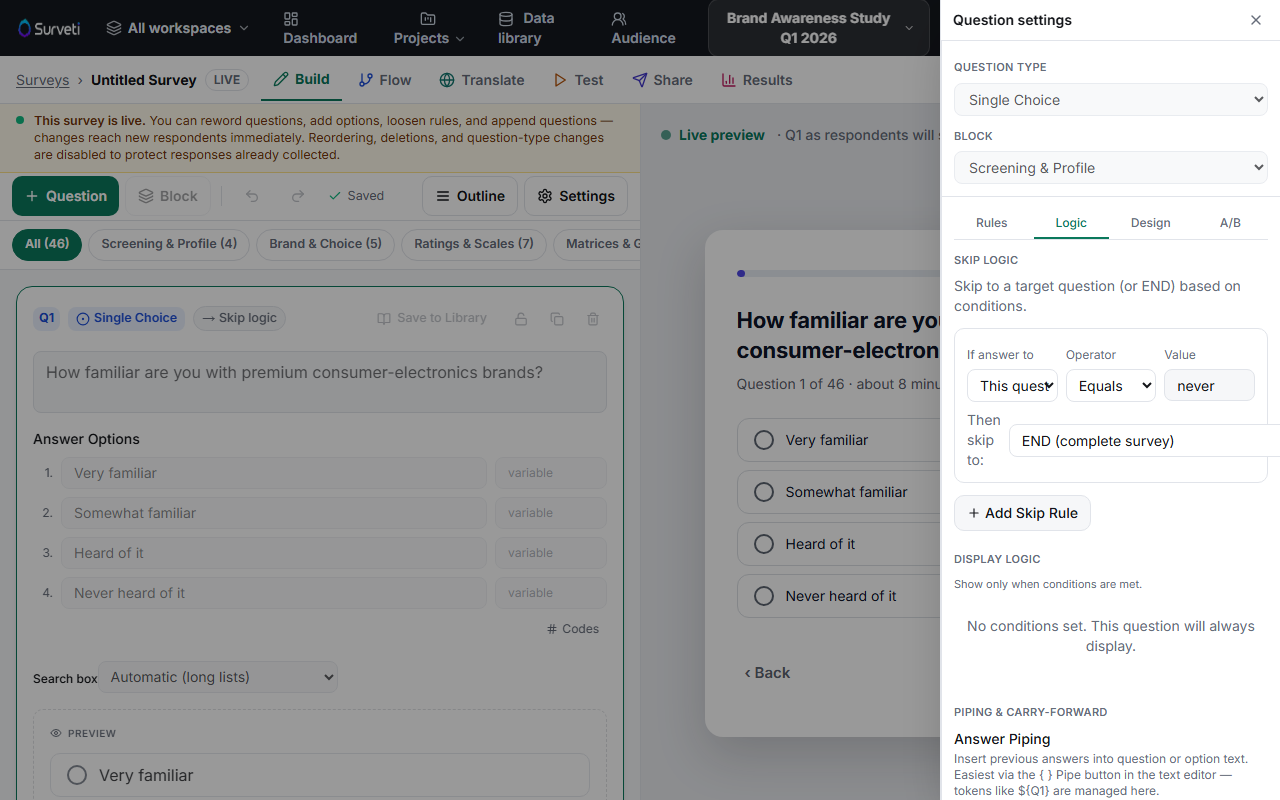
Add a display condition on the NPS score — under Display Logic, show this question only when the NPS answer is less than or equal to 6 (detractors). Use greater than 8 for a promoter-specific question.
Repeat per segment — add a separate follow-up for promoters ("What do you love most?") gated on 9–10, so each respondent sees the question that fits their score.
Test all three paths — in the Test tab, submit a detractor, passive, and promoter score and confirm each sees the right follow-up.
Key options
| Segment | Display condition on NPS |
|---|---|
| Detractors | score ≤ 6 |
| Passives | score is 7 or 8 |
| Promoters | score ≥ 9 |
Tips
Tip: Detractor verbatims are the highest-value text in most surveys — that's where the fixable problems are. If you add only one follow-up, make it the detractor one.
Related articles
- Setting Up a Net Promoter Score Question — the NPS question itself
- How to Show or Hide a Question Based on a Prior Answer — display logic in depth