Logic & Flow
Sending Respondents to the End of Survey via a Skip Logic Rule
Finish a respondent early by pointing a skip rule at END — they complete normally without seeing the remaining questions.
Overview
Finish a respondent early by pointing a skip rule at END — they complete normally without seeing the remaining questions. Use it when someone has told you everything you need.
Step-by-step
Open the trigger question's Logic tab — select it, click Settings, switch to Logic.
Add a skip rule — click + Add Skip Rule and set the condition (e.g. "not currently a customer").
Set the destination to END — in Then skip to, choose END (complete survey).
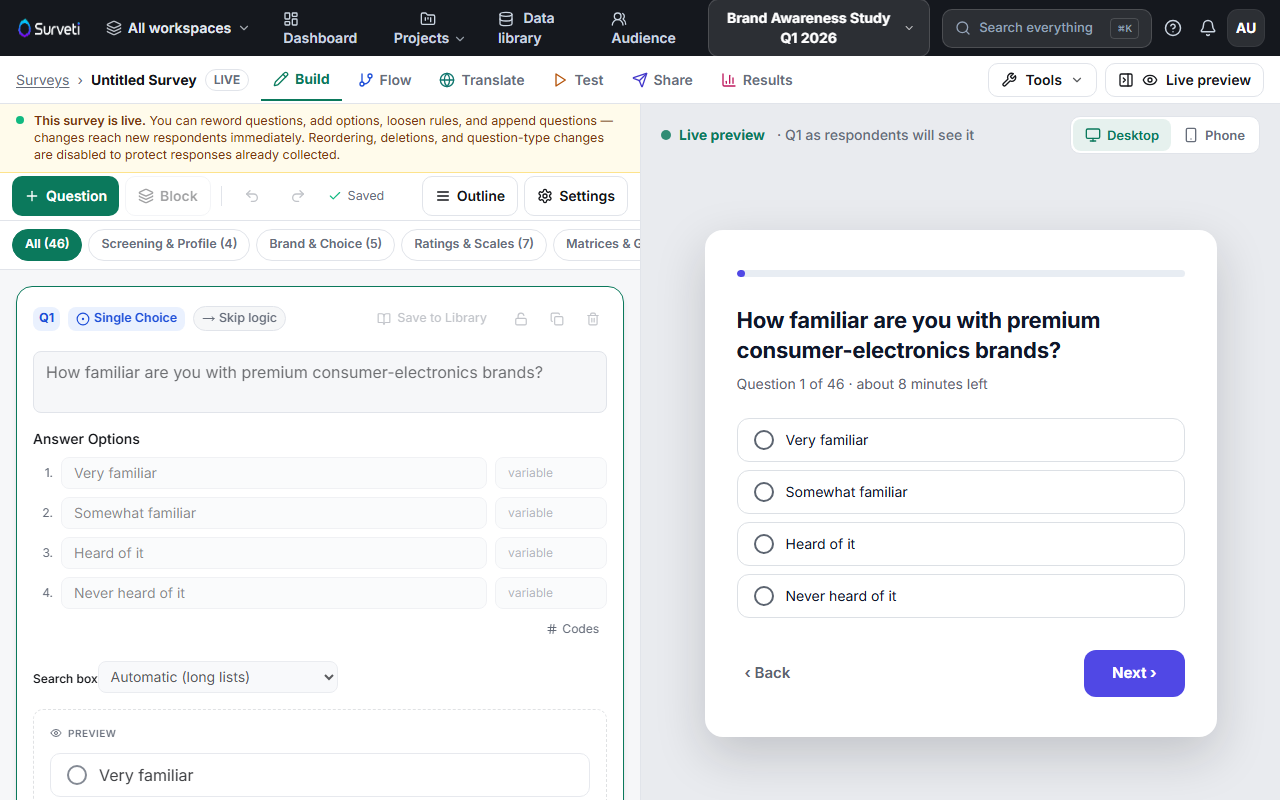
Test it — in the Test tab, trigger the condition and confirm the respondent lands on the completion screen.
Tips
Tip: "Skip to END" is for people who legitimately finished — they count as a normal complete. It is different from disqualifying someone, which uses TERMINATE and records a screen-out.
Note: END and TERMINATE look similar in the dropdown but mean different things: END = complete (counts, may earn an incentive), TERMINATE = screened out (disqualified, no incentive). Pick deliberately.
Related articles
- Routing Disqualified Respondents to a Screen-Out Disposition — TERMINATE instead of END
- Adding a Skip Logic Rule to Jump Respondents Forward in the Survey — jumping to a question