Logic & Flow
Routing Disqualified Respondents to a Screen-Out Disposition
Send unqualified respondents to a screen-out with a TERMINATE skip rule — recorded as disqualified, not completed, with no incentive.
Overview
Send unqualified respondents to a screen-out with a TERMINATE skip rule — recorded as disqualified, not completed, and never paid an incentive. Screeners belong at the very top of the survey.
Step-by-step
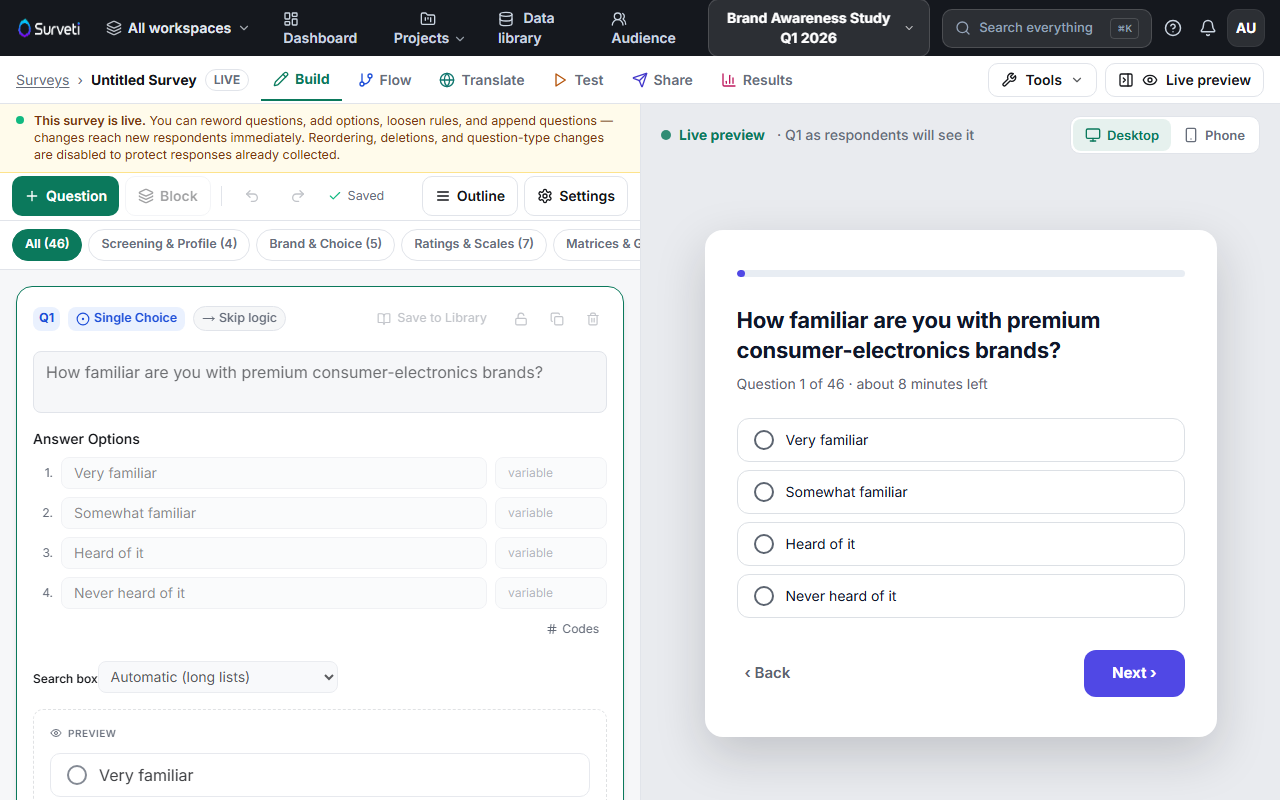
Put the screener first — a qualifying question in the opening block, so unqualified respondents leave in seconds.
Add a TERMINATE skip rule — select the screener, open Settings → Logic, click + Add Skip Rule, set the disqualifying condition, and choose TERMINATE (screen out — disqualify) as the destination.
Confirm the disposition — screened-out respondents are recorded with a screen-out disposition, tracked separately from completes in the field monitor, and receive no incentive.
Tips
Tip: Watch your screen-out rate in the field monitor as data comes in. A much higher rate than expected usually means your screener is too strict — or your traffic source is off-target.
Note: Screen-outs still count toward your plan's monthly completes (the respondent engaged with the survey). Budget quota for your expected incidence rate, not just your target number of qualified completes.
Related articles
- Customizing the Screen-Out End Screen Title and Body Text — the message they see
- Sending Respondents to the End of Survey via a Skip Logic Rule — END vs TERMINATE